Accenture AI
Data visualisation & AI hub

AI Community Explorer is an enterprise knowledge platform designed to map, connect, and scale Accenture's artificial intelligence initiatives globally. The work covers wireframing through to final high-fidelity UI, built in close collaboration with UX and product stakeholders. The ecosystem delivers a dynamic internal hub connecting global AI specialists, alongside a structured repository for enterprise case studies.
- Client
- Accenture
- Role
- Product Design
- UI Design
- Interaction Design
AI Explorer: Interactive Prototype
The Explorer uses dynamic data visualisation to reveal complex relationships between AI initiatives — designed at the intersection of logic and fluid interaction. As a personal extension of this case study, I designed and built a fully interactive version of the Explorer — from interface to functional prototype — using Claude Code.
 — the working AI Explorer prototype (opens in a new tab)
Enterprise Scope: Tailored strictly for desktop environments and professional workflows. Minimum width: 1024px.

The Explorer Layer
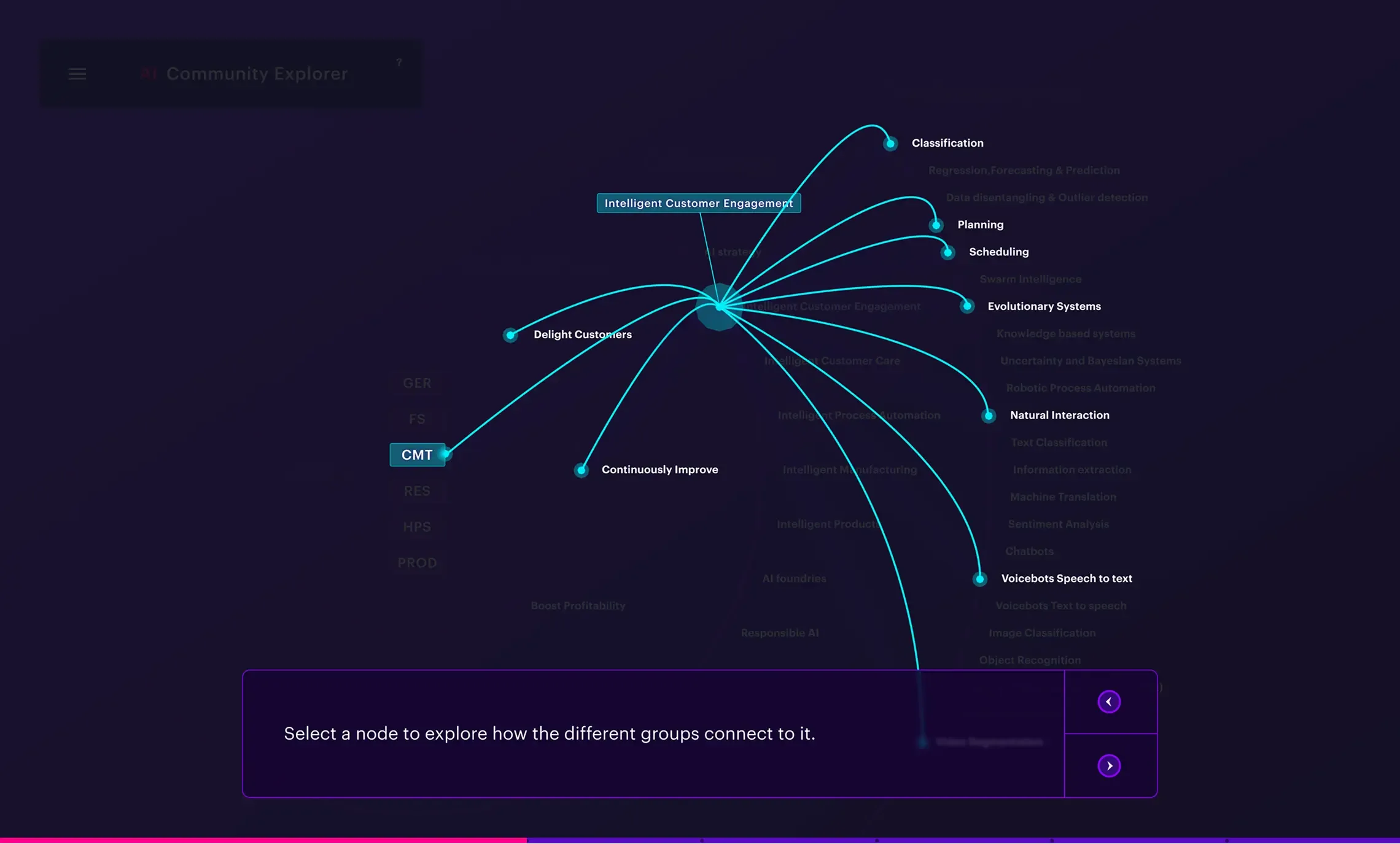
To manage extreme data density, the UI employs a dual-experience framework: a macro-level visual map revealing the entire Accenture AI ecosystem at scale, paired with a micro-level utility interface for frictionless, deep-dive navigation into granular topic content.
0:00/0:00
UI foundations
Early user interface mapping the platform's data structure.
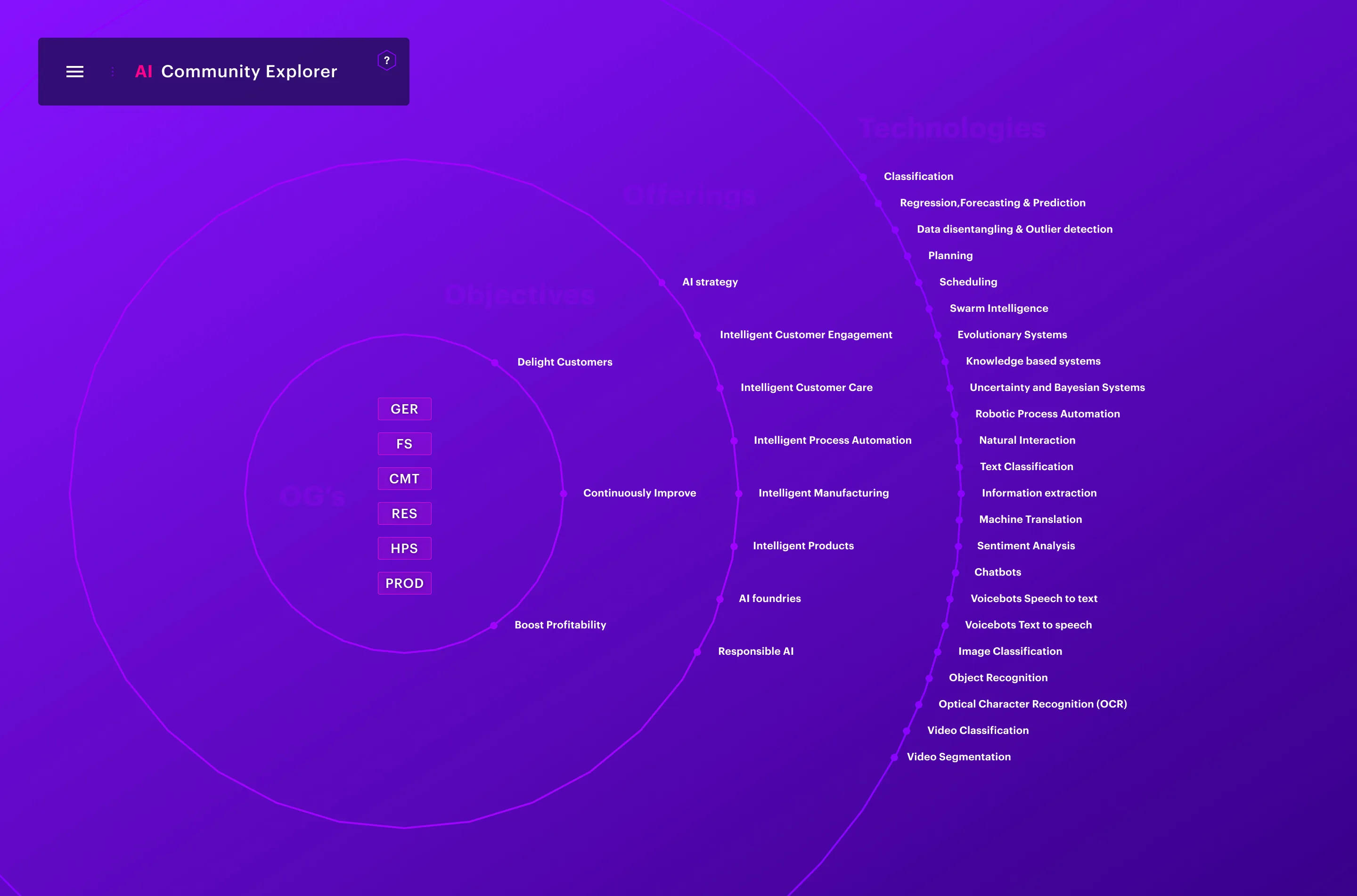
Visualising how initiatives, specialists, and resources connect to each other
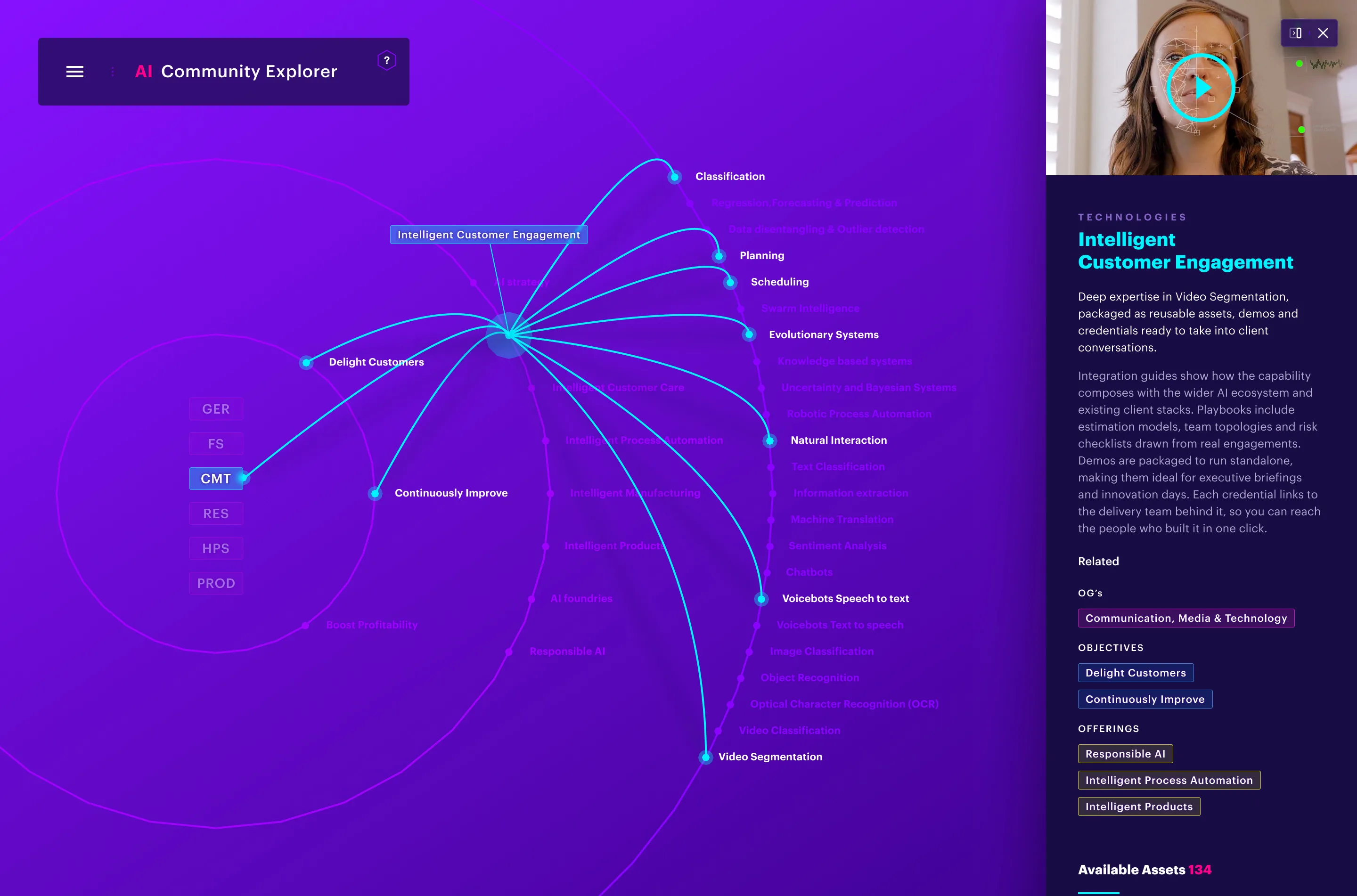
Contextual panel
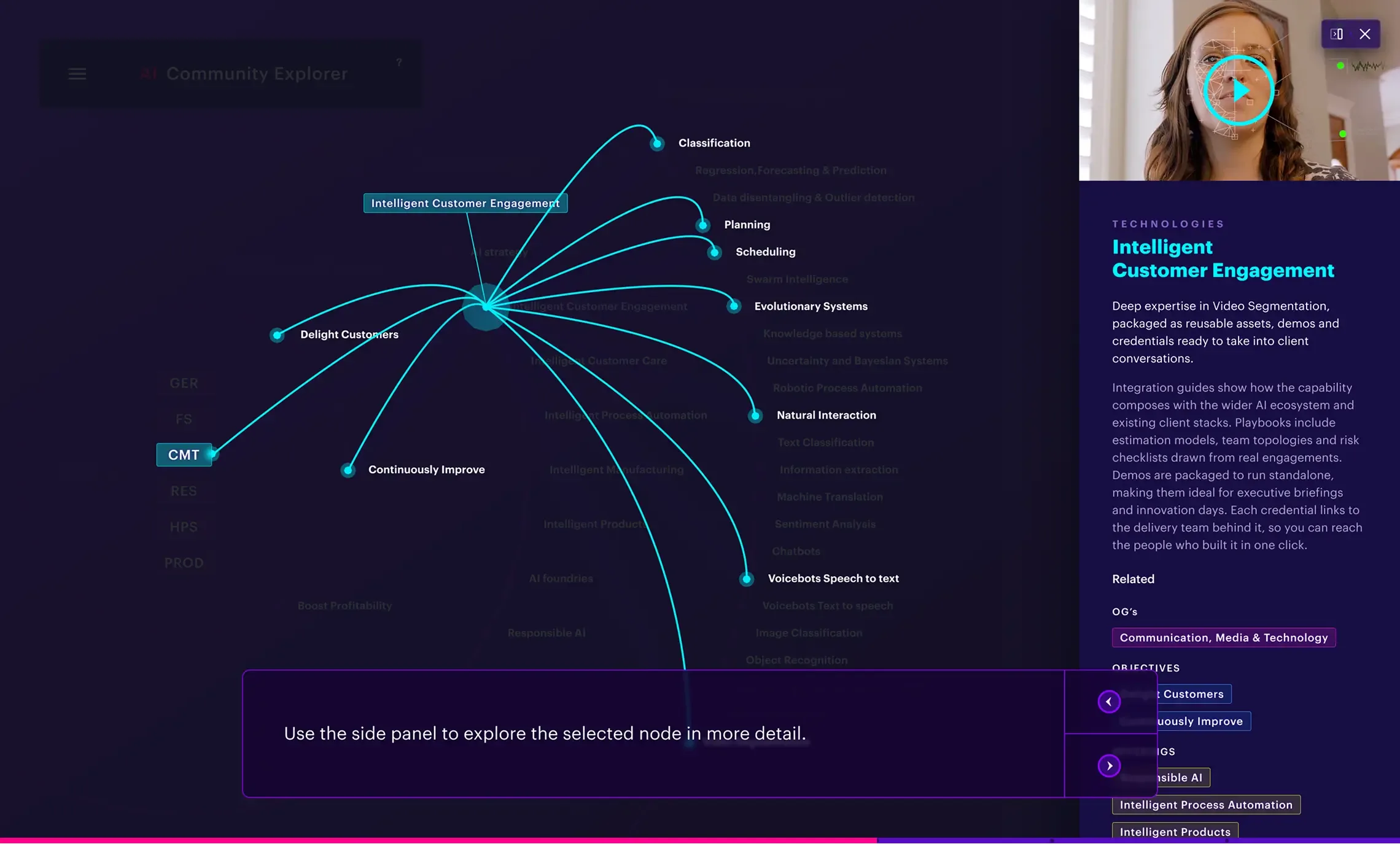
To maintain orientation within a dense data map, each node opens a contextual side panel — surfacing key insights and related resources without breaking the user's flow.

Designing for Power Users
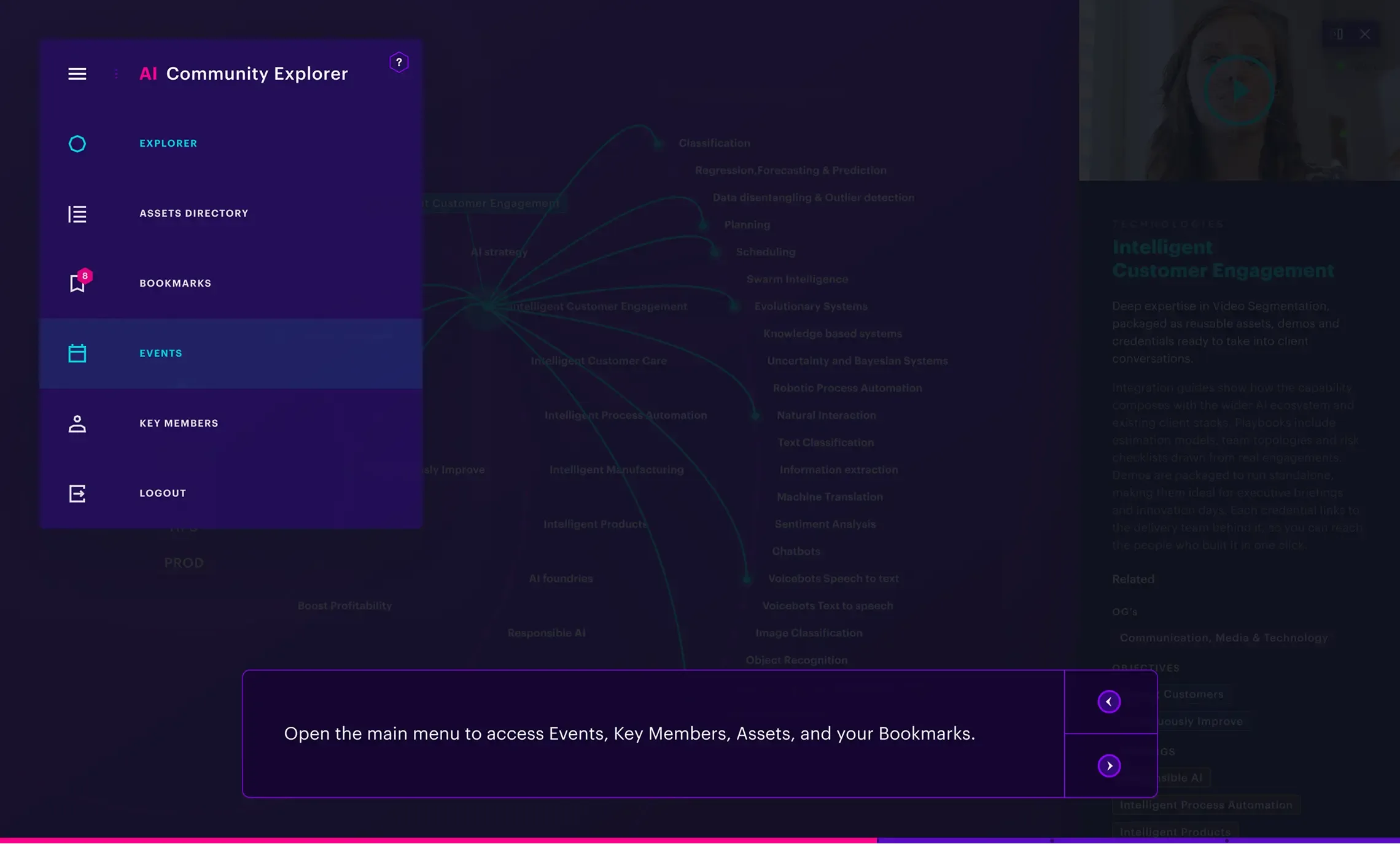
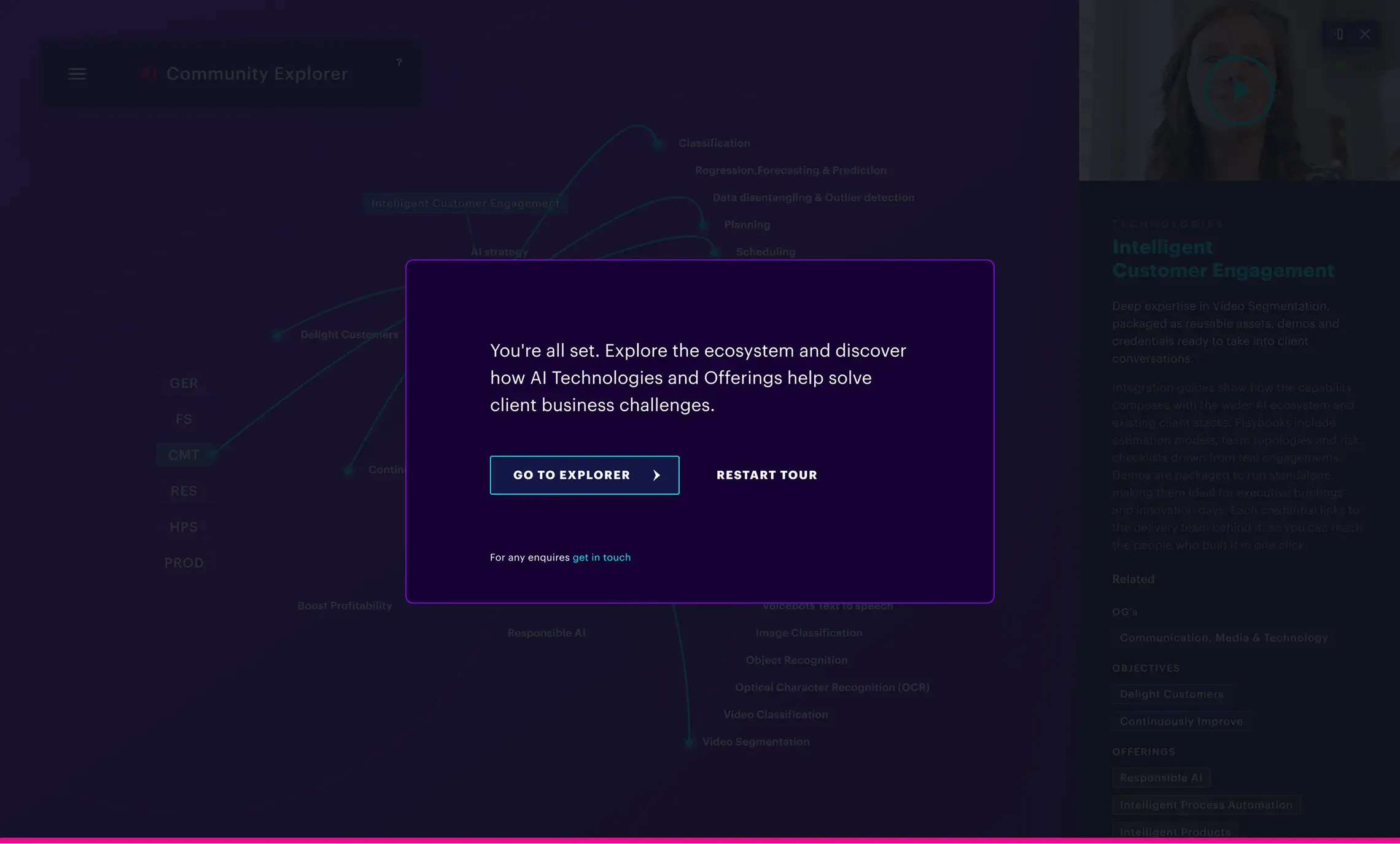
Built for technical experts already fluent in the domain, the interface skips traditional onboarding — prioritising fast access to the platform's navigation mechanics over guided introduction.
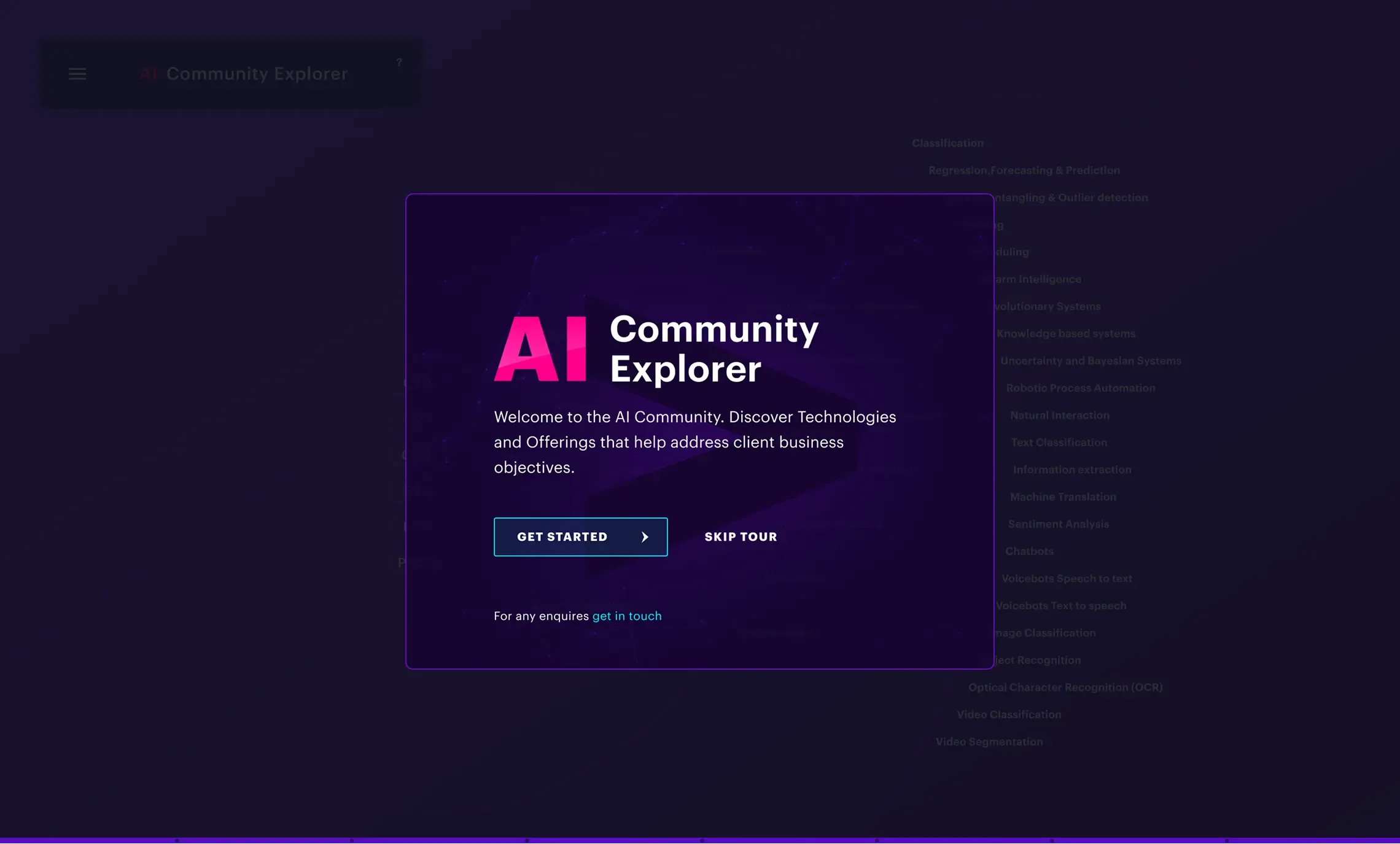
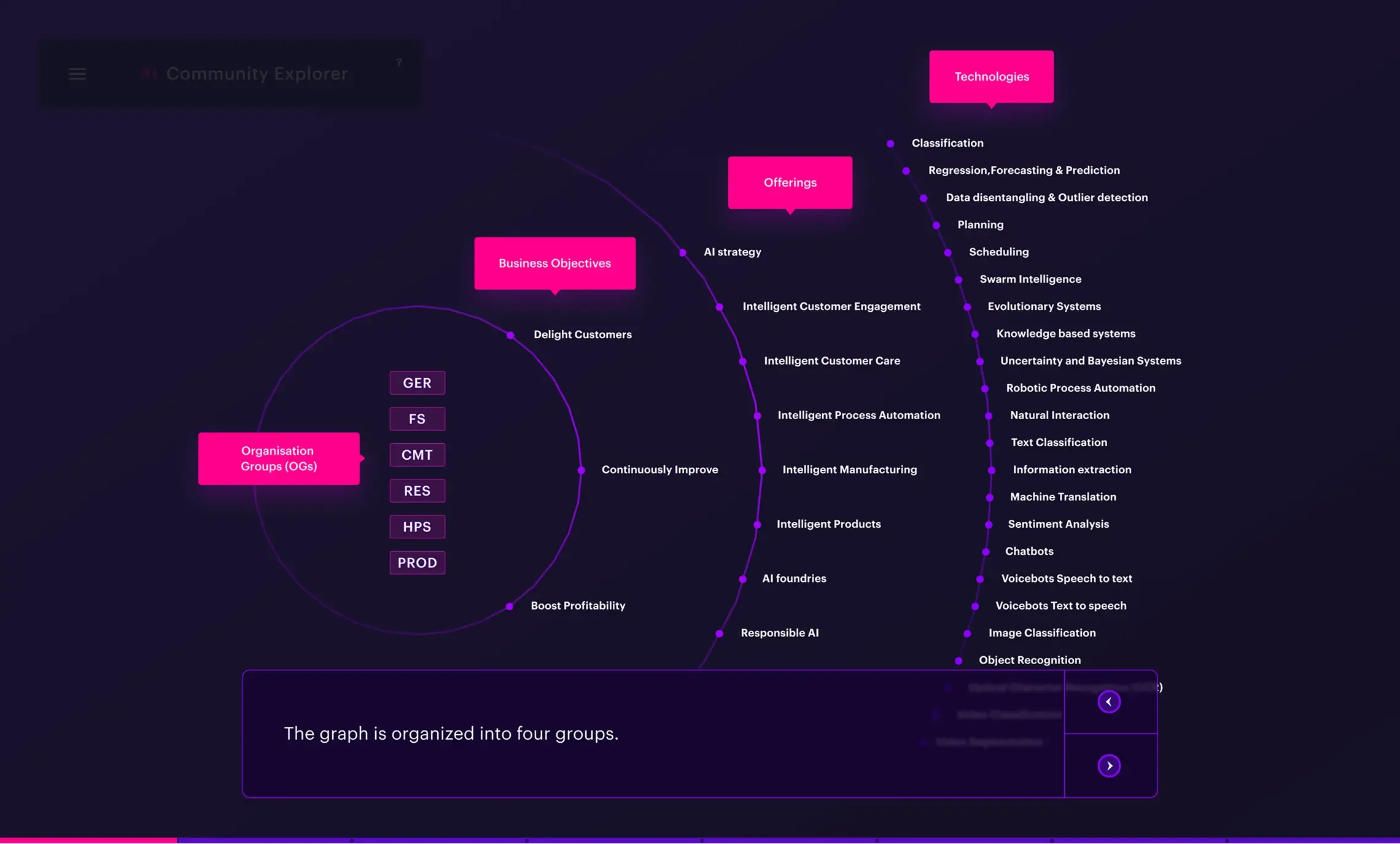
Assets layer
The Assets Layer shifts focus to pure utility, turning a large database into an easy-to-navigate repository. Early wireframes introduced 'narrative filtering' — letting users surface assets through natural, contextual search rather than rigid dropdown menus.

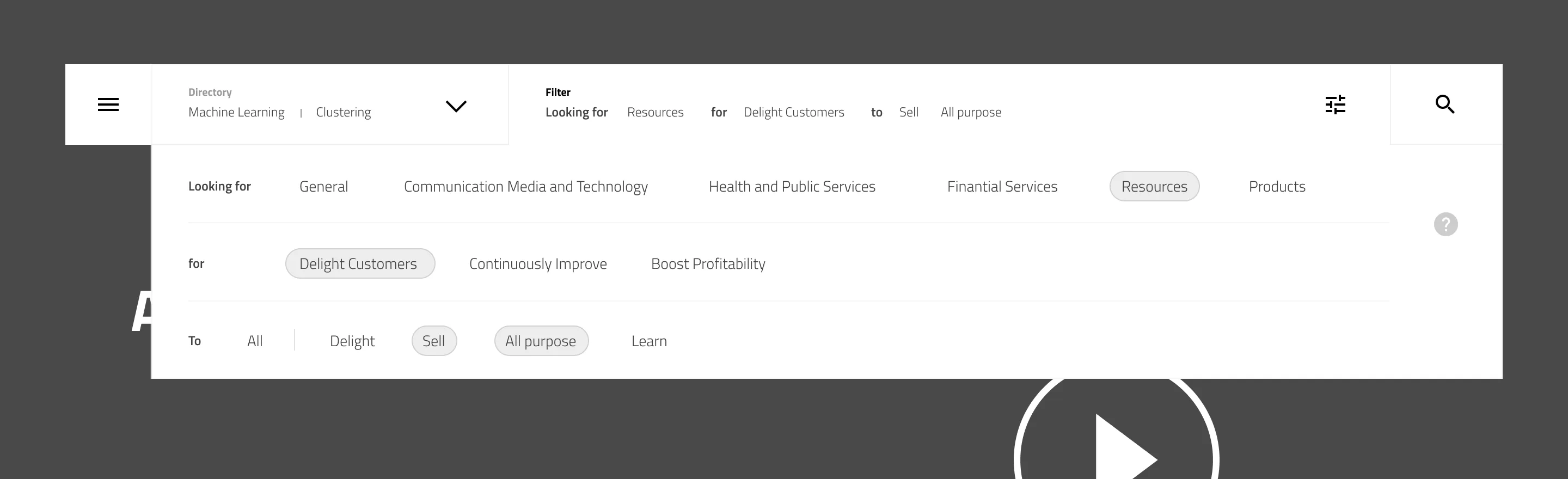
Assets Layer: UI Components
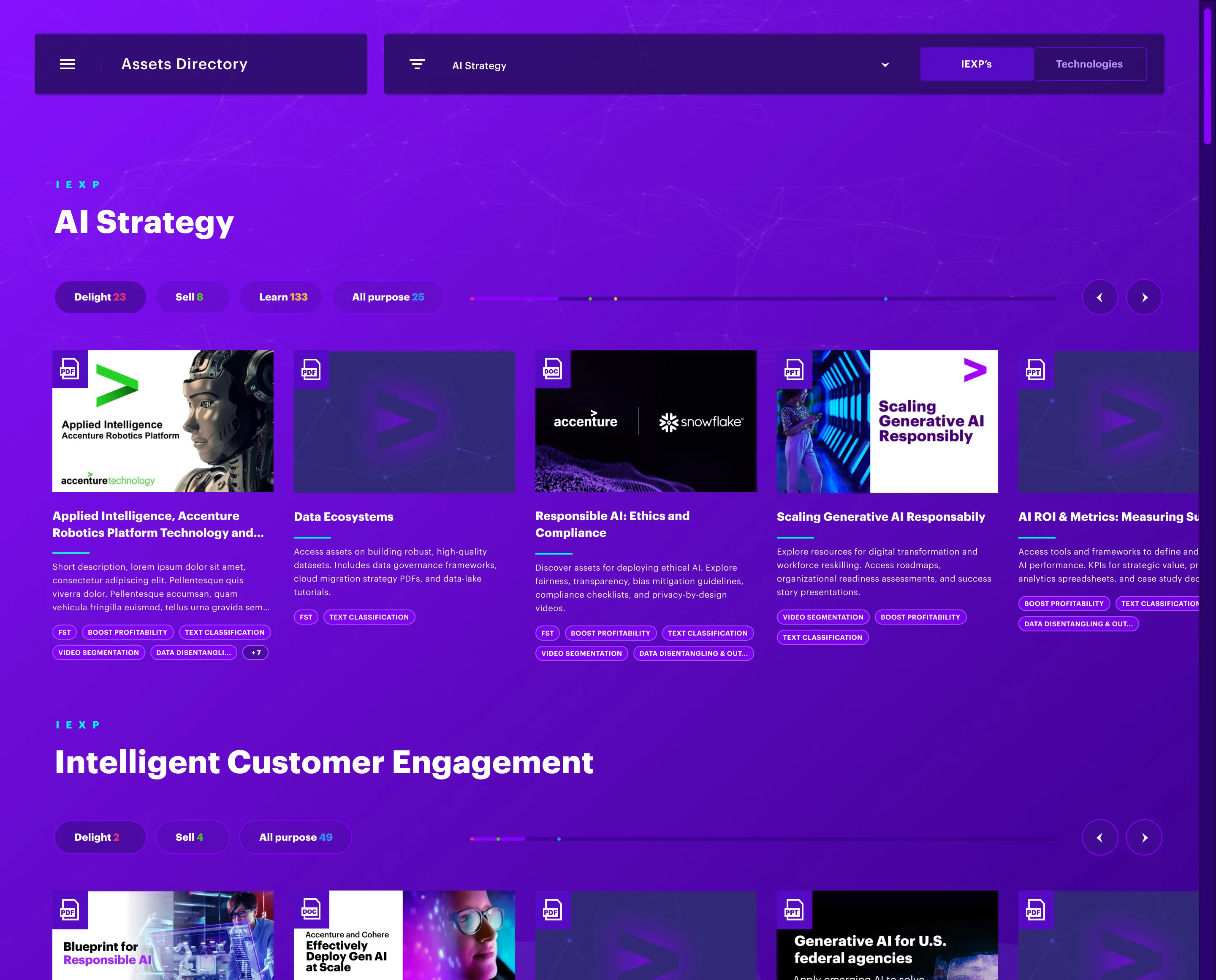
The Assets Directory: A centralised, high-density index designed for discovering AI tools and resources across the global ecosystem.
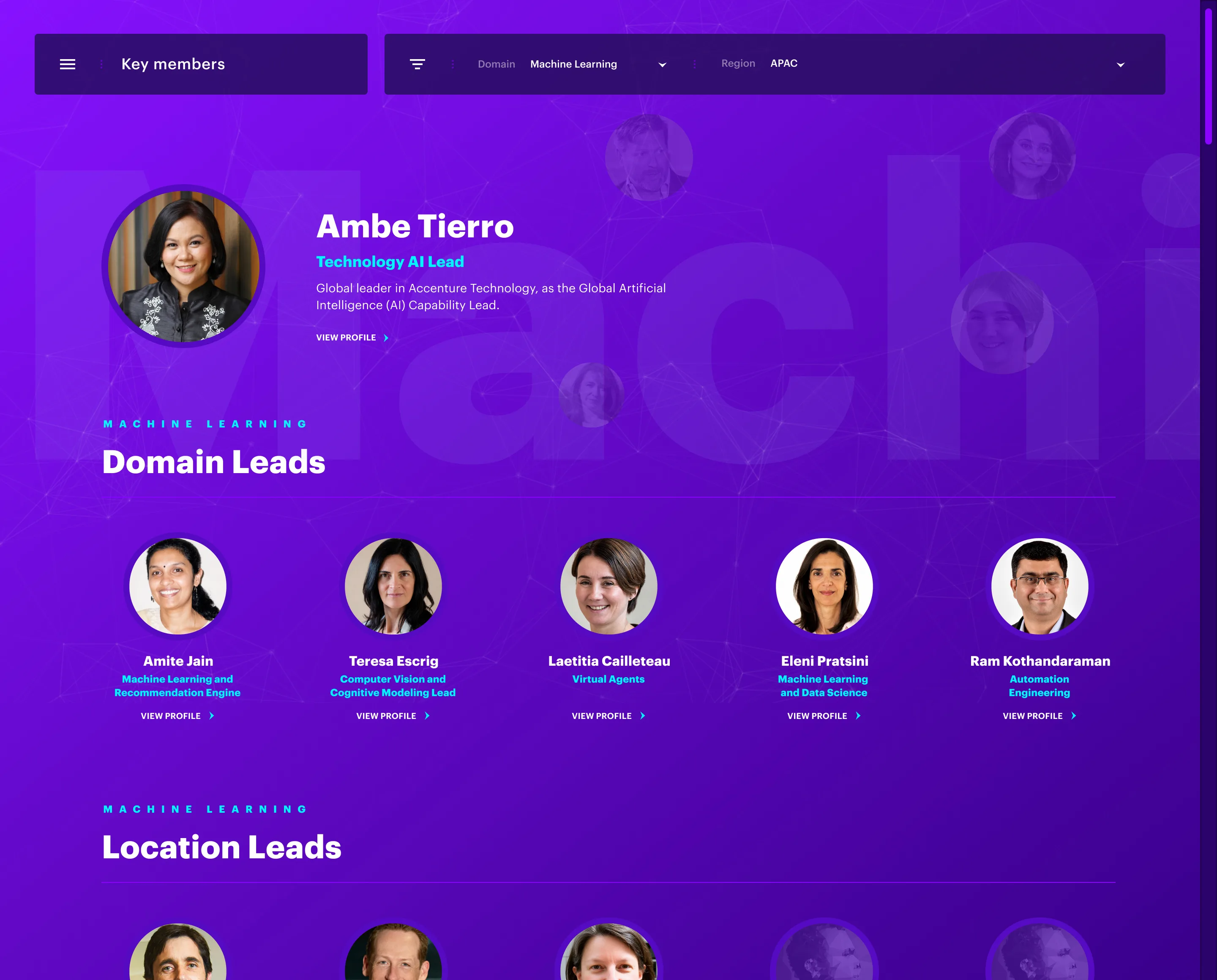
The Experts Directory: A streamlined index mapping internal AI specialists by domain expertise and business unit.
The Events Directory: A utility-first interface for tracking, filtering, and enrolling in upcoming global AI initiatives.